
Day 19: How Malicious Downloads Trick You
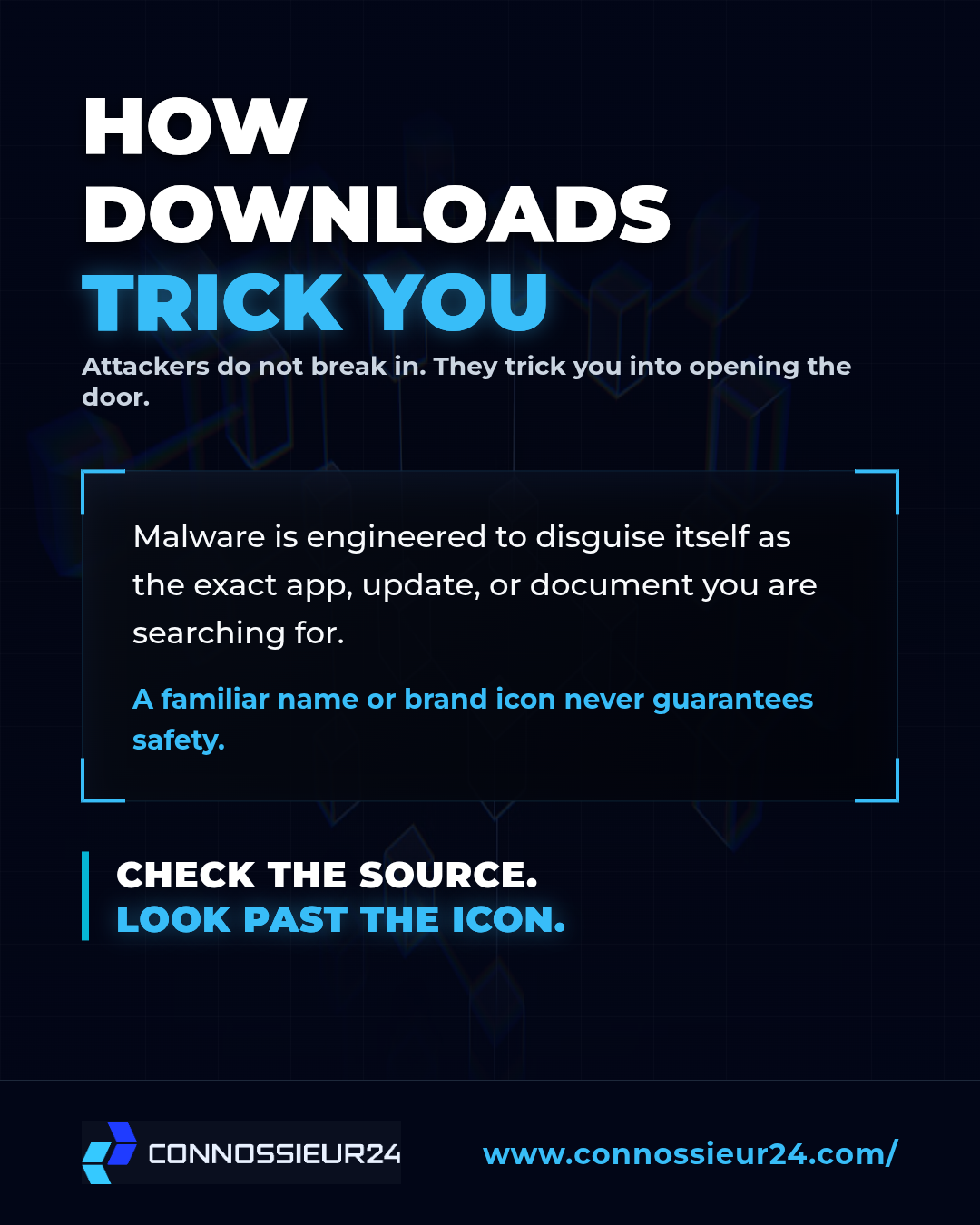
Dangerous files do not arrive with warning labels. In fact, malware is specifically engineered to disguise itself as the exact app, system update, or document you are searching for.
Attackers know that bypassing a computer's security is difficult, but tricking a human into clicking "Download" is incredibly easy. A familiar brand name or a legitimate looking icon never guarantees safety. You have to look past the disguise.
The 5 Common Traps
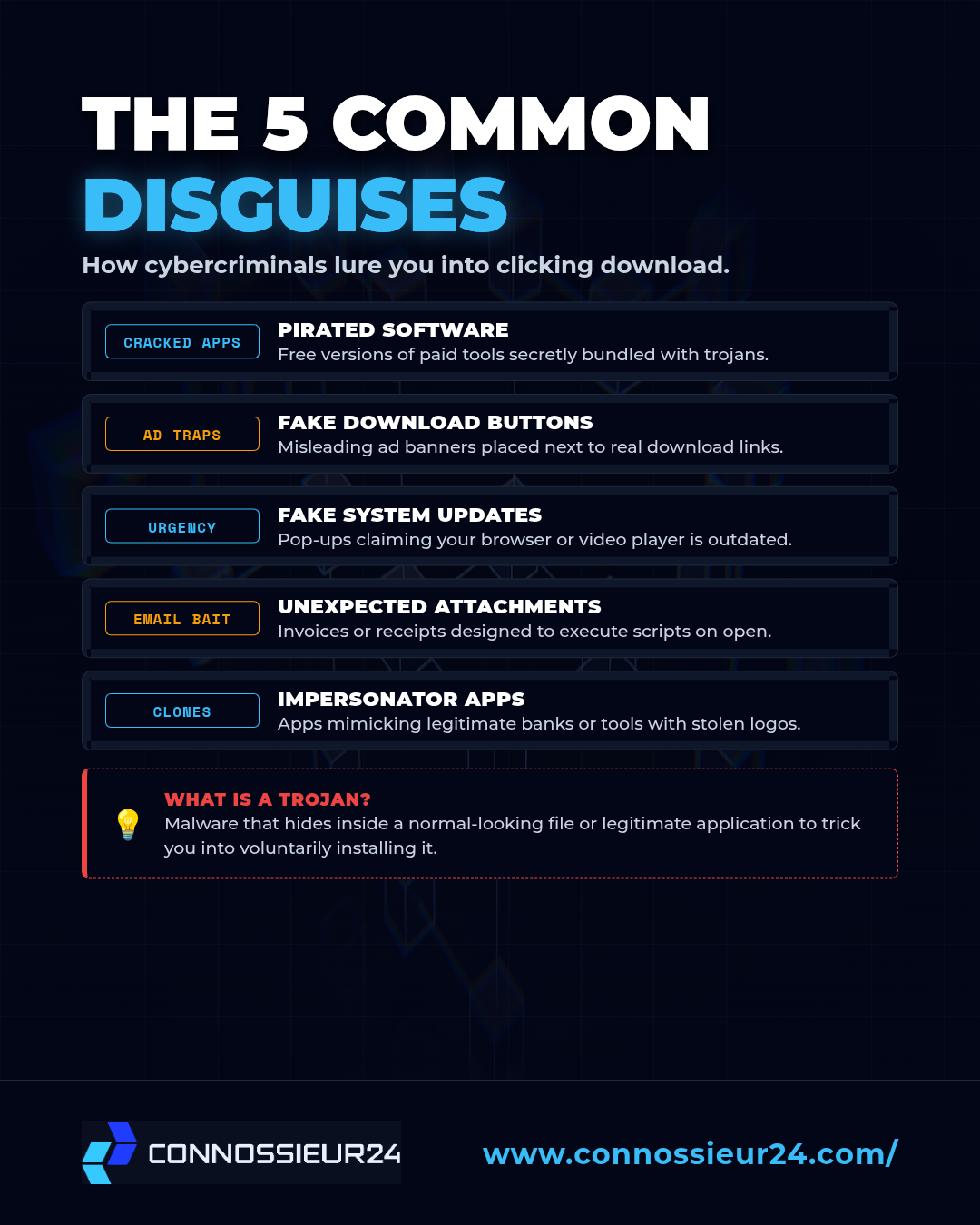
Cybercriminals rely on a few common lures to get inside your device. Watch out for these tactics:
- Pirated Software: Free or cracked versions of paid tools are almost always bundled with hidden trojans.
- Fake Download Buttons: Misleading advertisement banners are placed right next to legitimate download links to trick you into clicking the wrong one.
- Fake System Updates: Sudden, urgent popups on random websites claiming your browser or video player is out of date.
- Unexpected Attachments: Emails containing fake invoices or receipts designed to execute malicious scripts as soon as you open them.
- Impersonator Apps: Mobile applications mimicking legitimate banks or popular services using stolen logos.
The Inspection Protocol
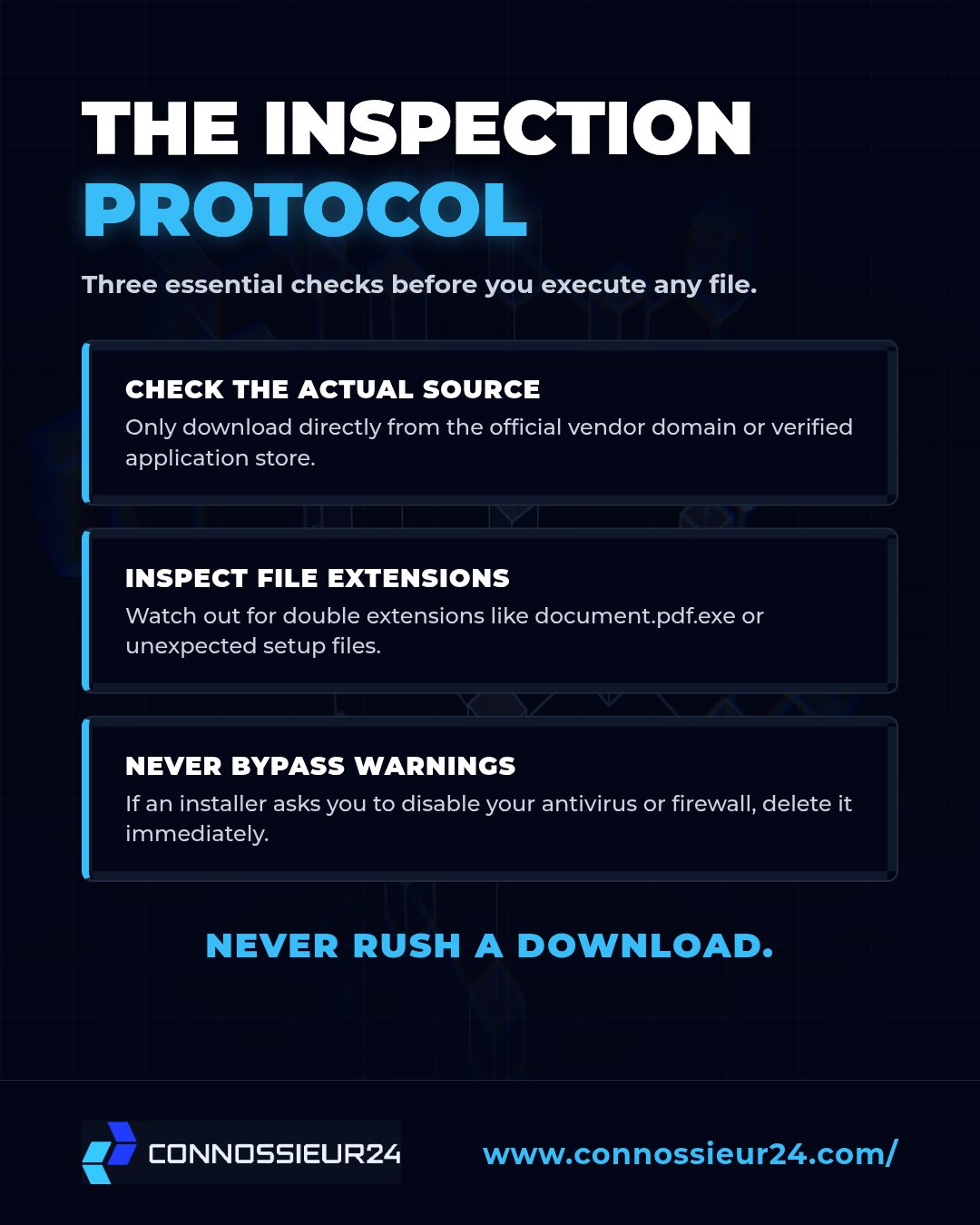
Before you download or open any file, run it through this quick inspection protocol:
01. Check the actual source. Do not trust search engine ads. Only download directly from the official vendor domain or a verified application store.
02. Inspect the file extension. Watch out for suspicious double extensions like document.pdf.exe or unexpected setup files when you were looking for an image or PDF.
03. Never bypass warnings. If a software installer asks you to disable your antivirus or firewall to proceed, delete the file immediately.
Never rush a download. Check the source before you click.