
Day 18: Not Every Download is Safe
Downloading an app, game, or document seems completely harmless. But what if that file was specifically engineered to compromise your device?
The most dangerous malicious software does not look like a virus. It looks exactly like something you want. It disguises itself as a useful tool, a free version of expensive software, or an urgent system update.
A file looking legitimate does not make it safe.
The Common Traps
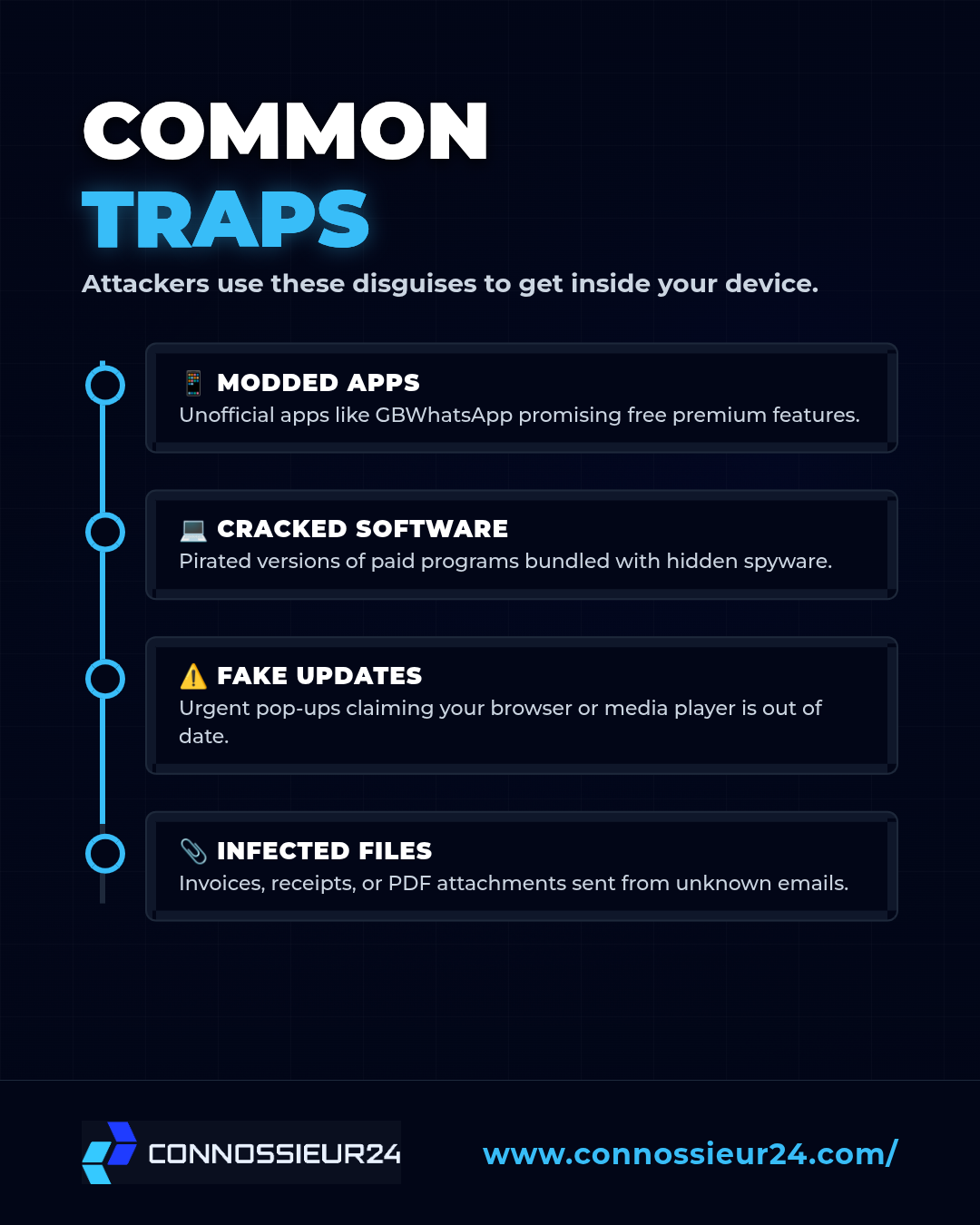
Attackers use psychological tricks to get you to willingly install their malware. Once opened, these files can silently steal your passwords, monitor your screen, or lock your device.
Watch out for these common disguises:
- Modded Apps: Unofficial versions of popular apps (like GBWhatsApp or tweaked games) that promise premium features for free.
- Cracked Software: Pirated versions of paid computer programs bundled with hidden spyware.
- Fake Updates: Pop-ups on websites claiming your media player or browser is out of date and needs an urgent download.
- Infected Attachments: Invoices, receipts, or PDFs sent via email from unknown senders.
The Download Defense
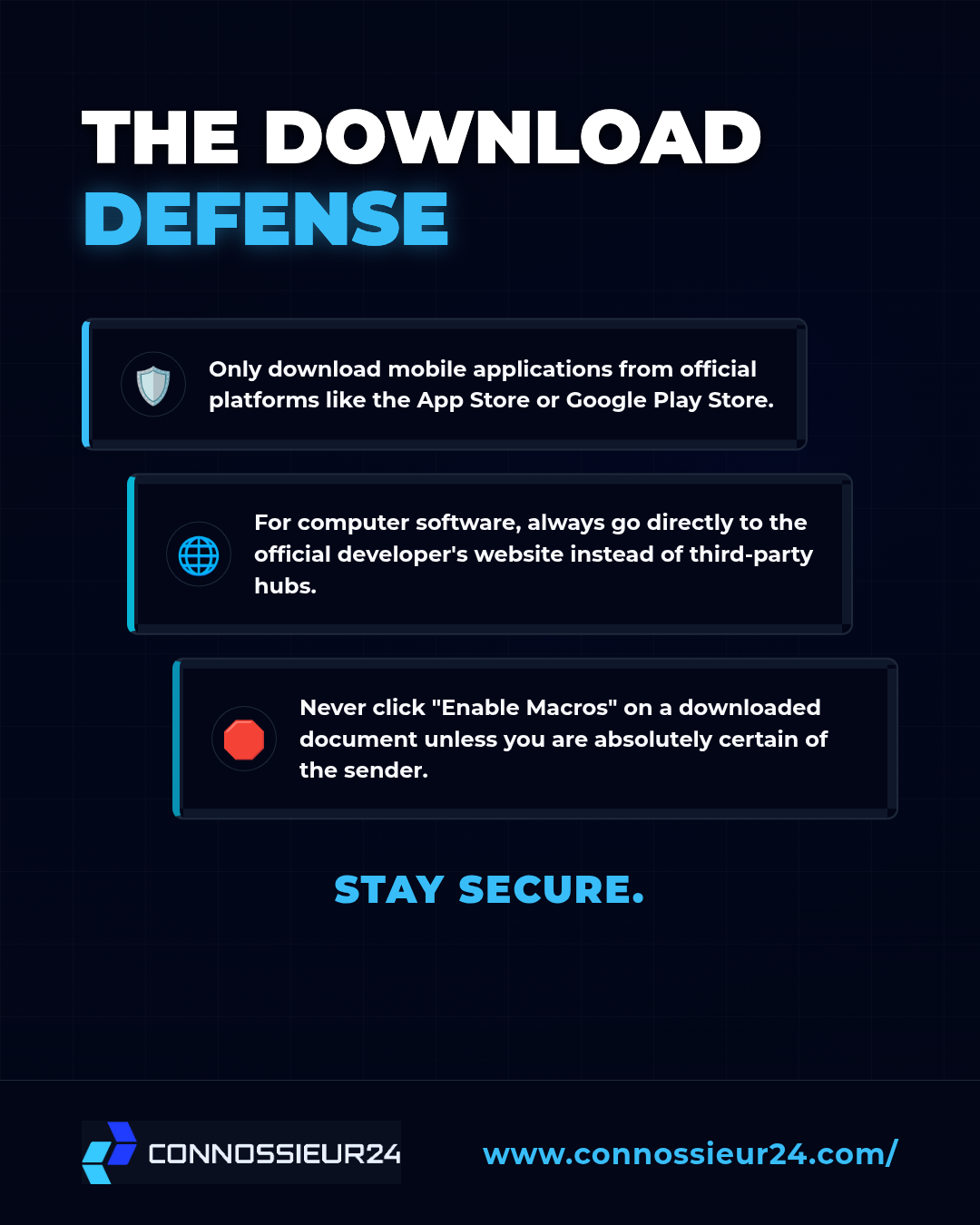
You do not need to stop downloading files, but you do need to change how you source them. Build these safe habits to keep your devices clean:
First, only download mobile applications from official platforms like the Google Play Store or Apple App Store. Avoid "sideloading" apps from random websites.
Second, if you are downloading software for your computer, go directly to the developer's official website instead of using third-party software hubs.
Finally, never click "Enable Macros" on an Excel or Word document unless you are absolutely certain of the sender's identity.
Think before you download. Unsafe habits will leave you compromised.