
Day 20: How to Download Files Safely
We have looked at what malicious downloads are and how they trick people into installing them. Now, let us talk about actively protecting your devices.
You do not have to stop downloading files or exploring the internet. You just need to be careful about what you download and where it comes from. A few seconds of checking can help you avoid a massive security breach.
The Safe Download Habits
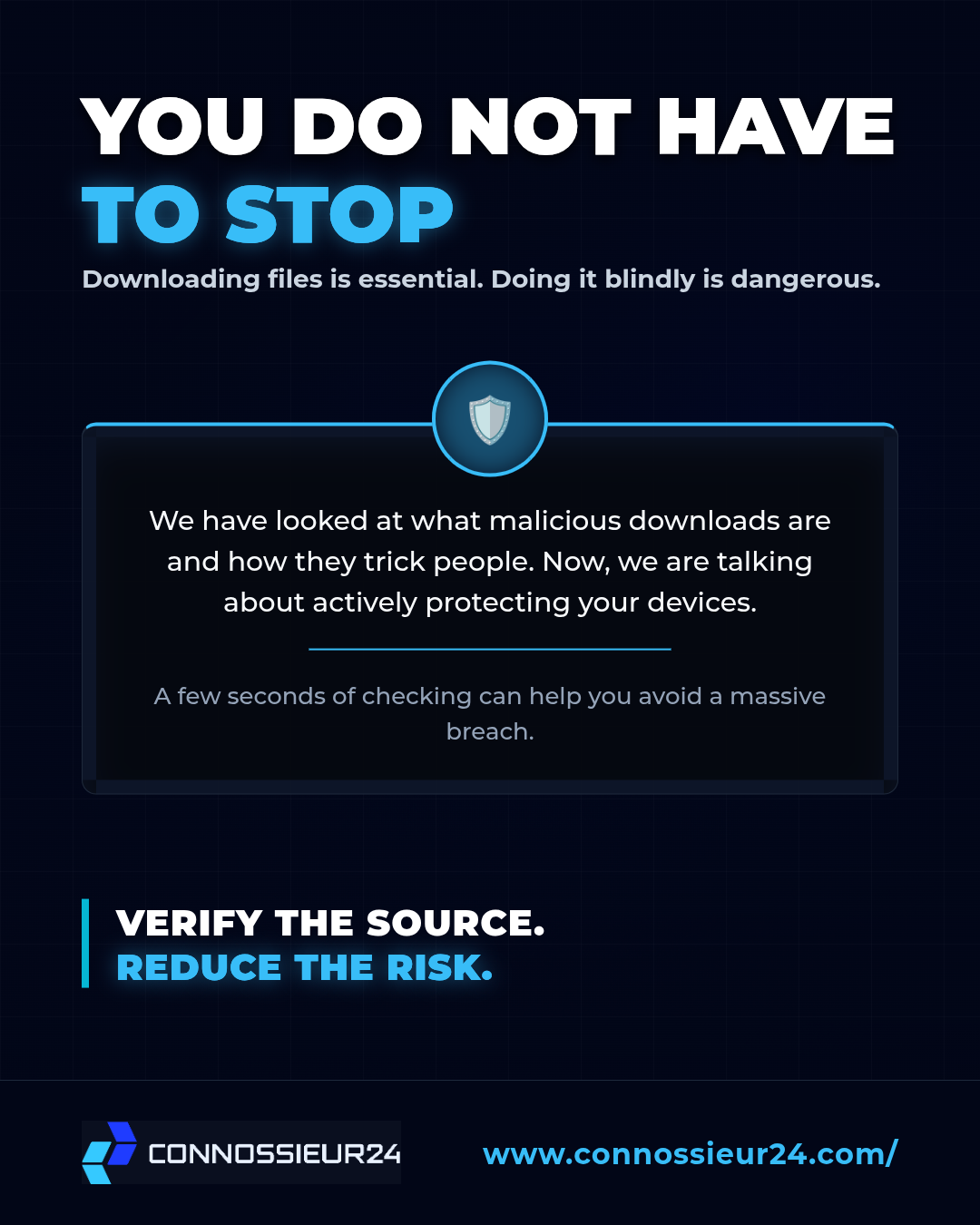
Cybersecurity is not just about using antivirus software. It is about building daily habits that reduce your exposure to risk. Build these practices into your digital routine:
- Use Official Sources: Download mobile apps exclusively from official platforms like the Google Play Store or Apple App Store. For computer software, go directly to the verified developer website.
- Check the Publisher: Before you hit install, verify that the software publisher's name matches the actual developer so you do not accidentally download a malicious clone.
- Respect Security Warnings: If your browser or device flags a file as potentially dangerous, stop immediately. Investigate the warning instead of bypassing it to force the download.
- Review App Permissions: Be highly cautious if an app requests access that does not make sense for its purpose. A flashlight app has no reason to access your contact list or microphone.
- Delete the Unknown: If you do not know what a file is or where it came from, do not open it just to find out. Delete suspicious downloads immediately.
The Final Layer
Use reputable security software and keep your device's built-in protections fully updated. Updates often contain patches for critical security vulnerabilities.
No single precaution guarantees absolute safety, but combining these habits creates a massive wall against attackers.
Verify the source. Reduce the risk.