
DAY 13
Oct 14, 2026
Day 13: How to Create Strong Passwords
We have talked a lot about the dangers of weak passwords and the crazy domino effect of careless habits. Now, it is time to actually do something about it.
You do not need to make password security complicated. You just need a few simple habits to keep attackers out. Small, intentional changes can make a massive difference in protecting your digital life.
The Password Essentials
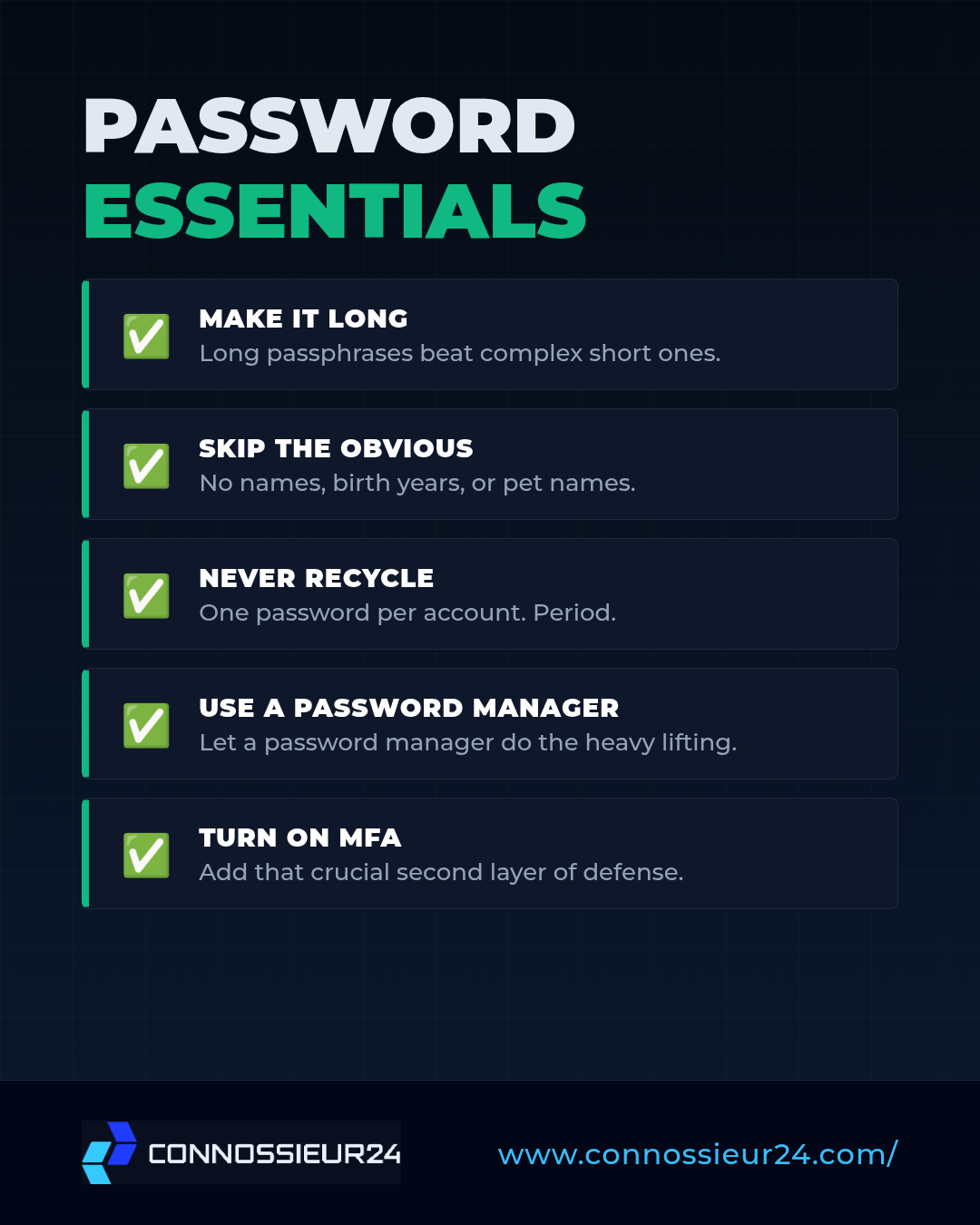
Here is your straightforward guide to locking down your accounts:
- Make it Long: When it comes to passwords, length beats complexity every time. A long "passphrase" (like a random sentence) is exponentially harder for attackers to guess than a short, complicated word.
- Skip the Obvious: Avoid the easy choices. Your name, your birthday, your dog's name, or simple sequences like
123456are the first things an attacker will try. - Never Recycle: Don't let one exposed password put your entire life at risk. Every single account you own needs its own unique password. Period.
- Use a Vault: You do not have to memorize dozens of crazy passwords yourself. Get a good password manager—it will generate, store, and securely auto-fill everything for you.
- Turn on MFA: Passwords can be stolen, but Multi-Factor Authentication (MFA) adds a second layer of defense (like an authenticator app or a code sent to your phone) that stops attackers cold.
- Change Compromised Passwords Fast: If you ever get an alert that a password was exposed in a data breach, do not wait around. Swap it out immediately.
Your Daily Challenge
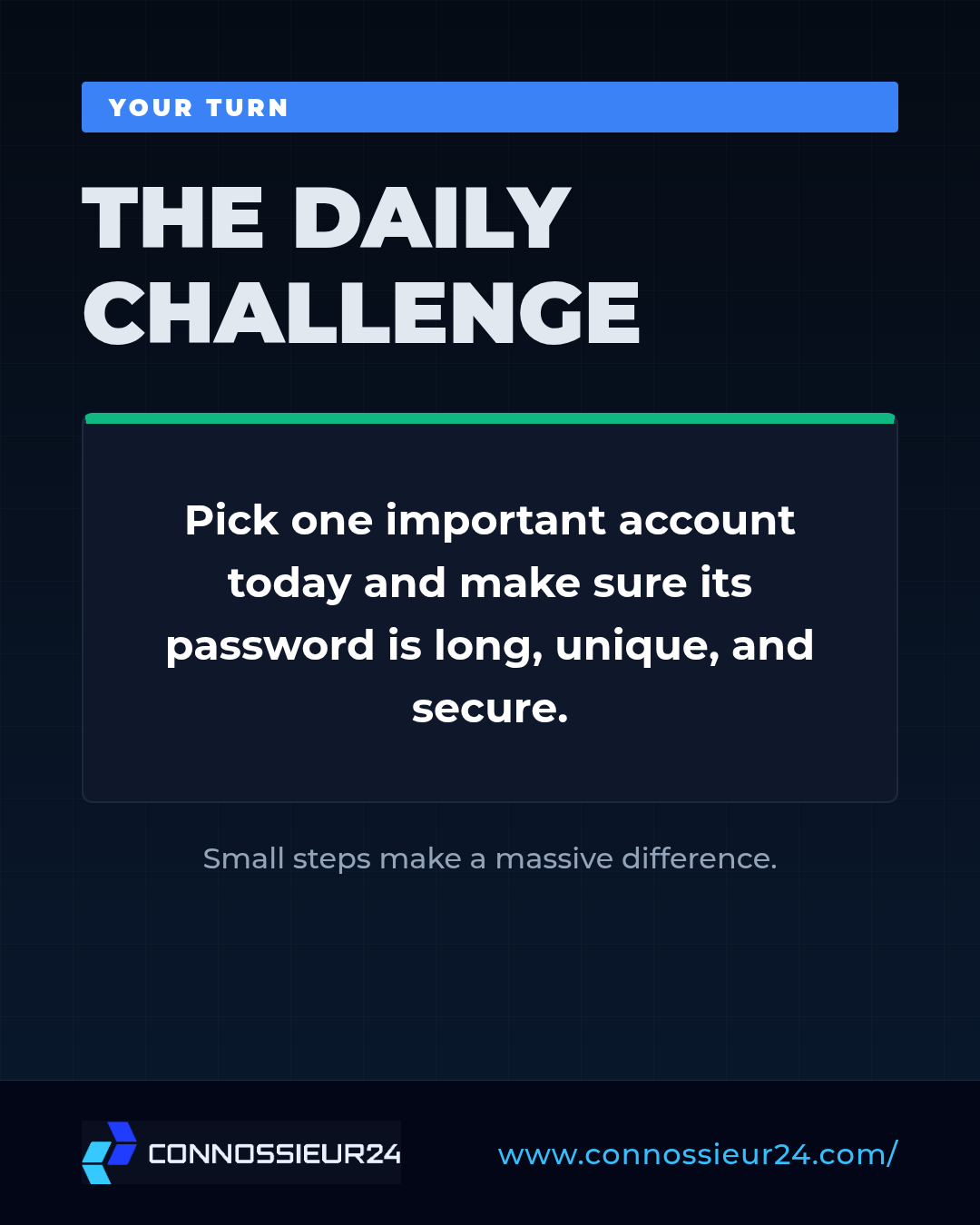
Security only works if you actually put it into practice.
Your Turn: Pick one important account today (like your primary email or banking app) and check whether its password is long, unique, and secure. If it isn't, change it right now.